📱
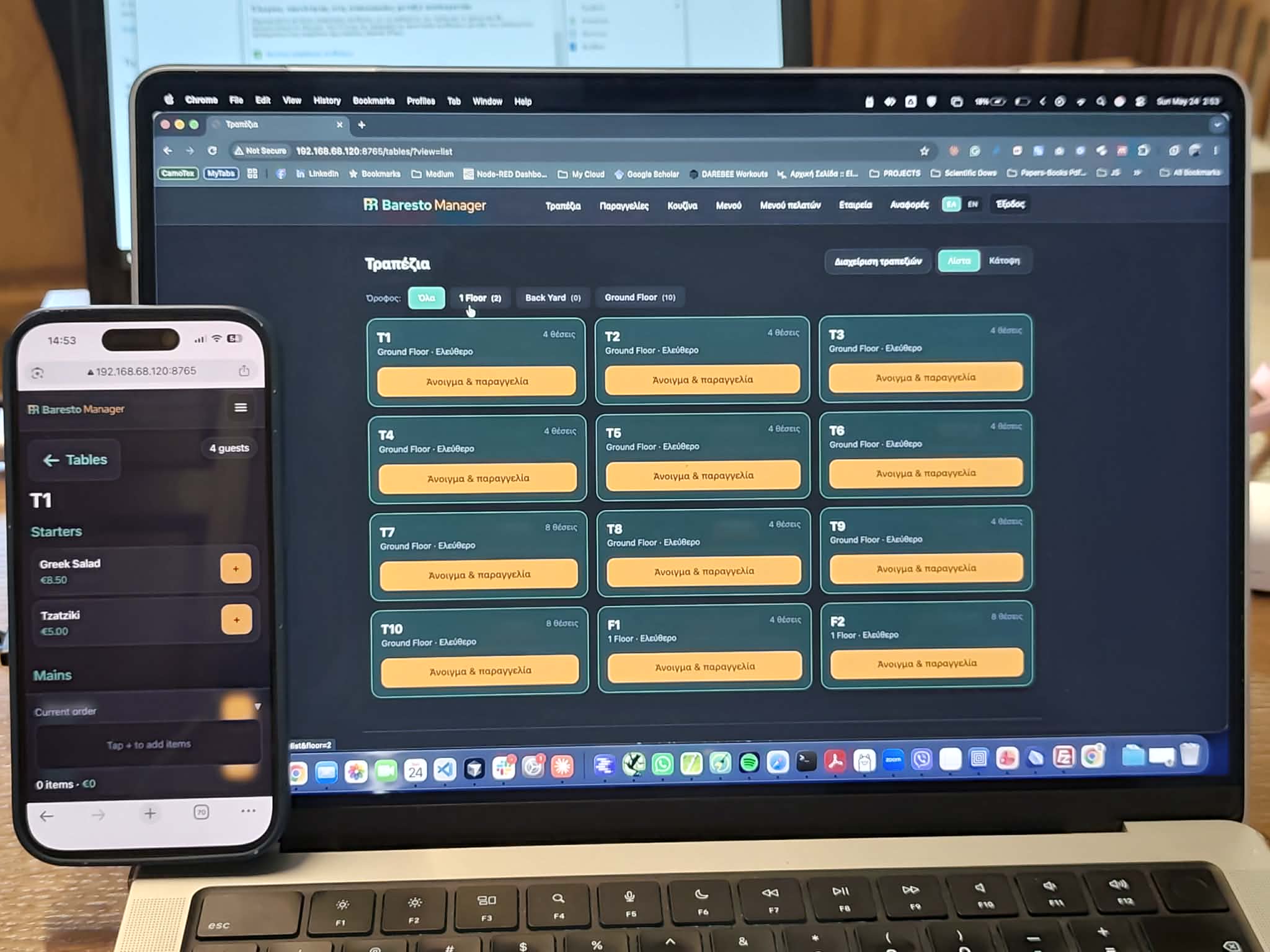
Waiter ordering
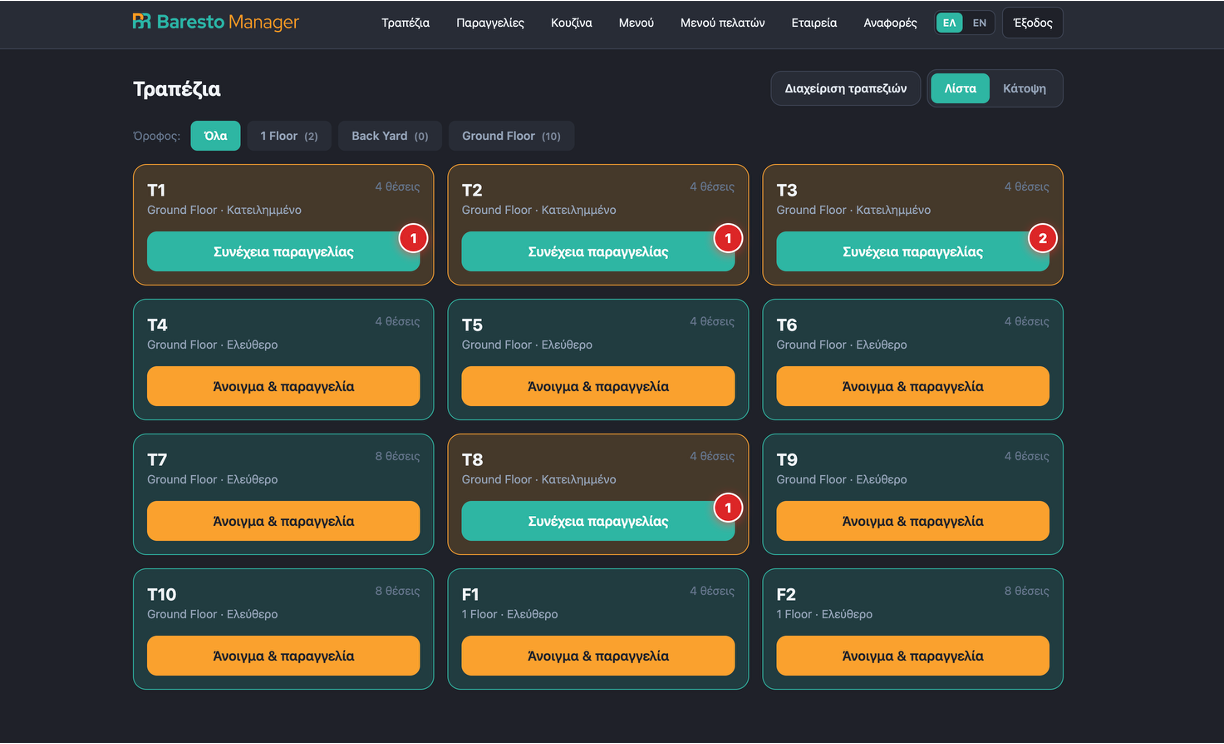
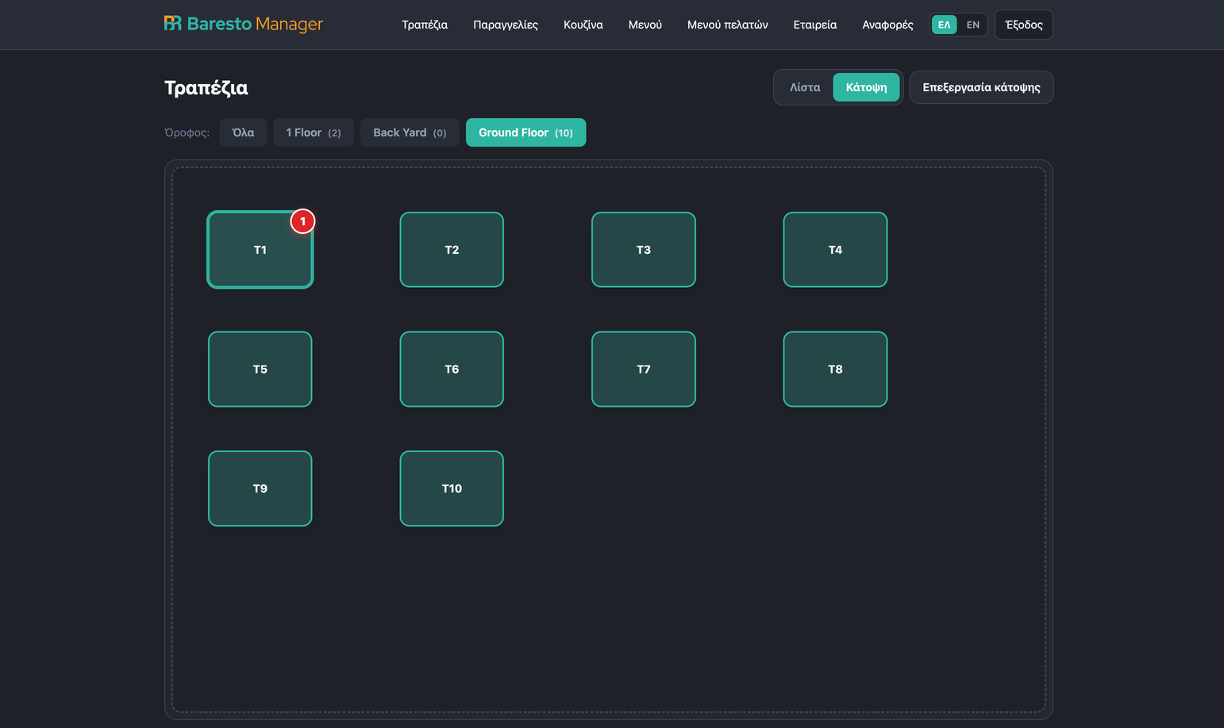
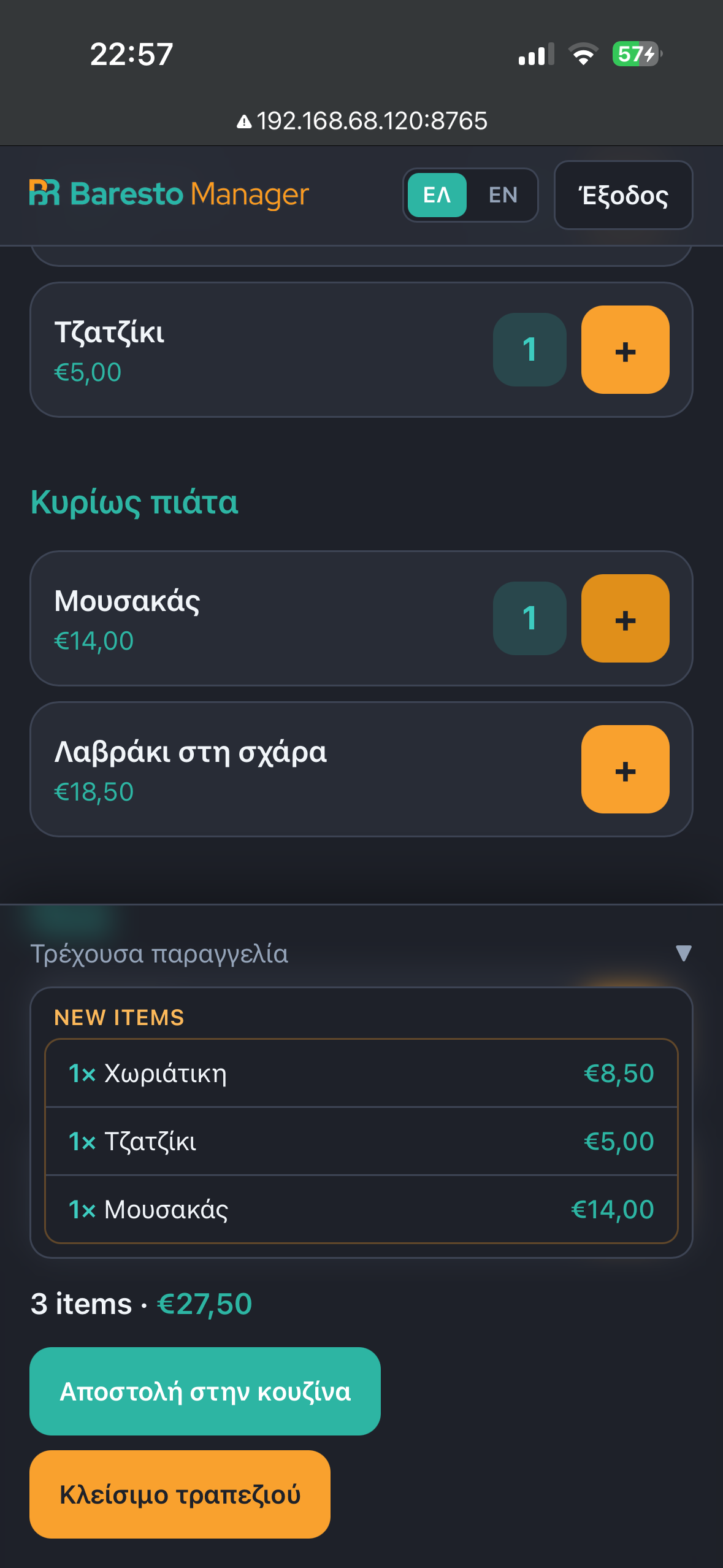
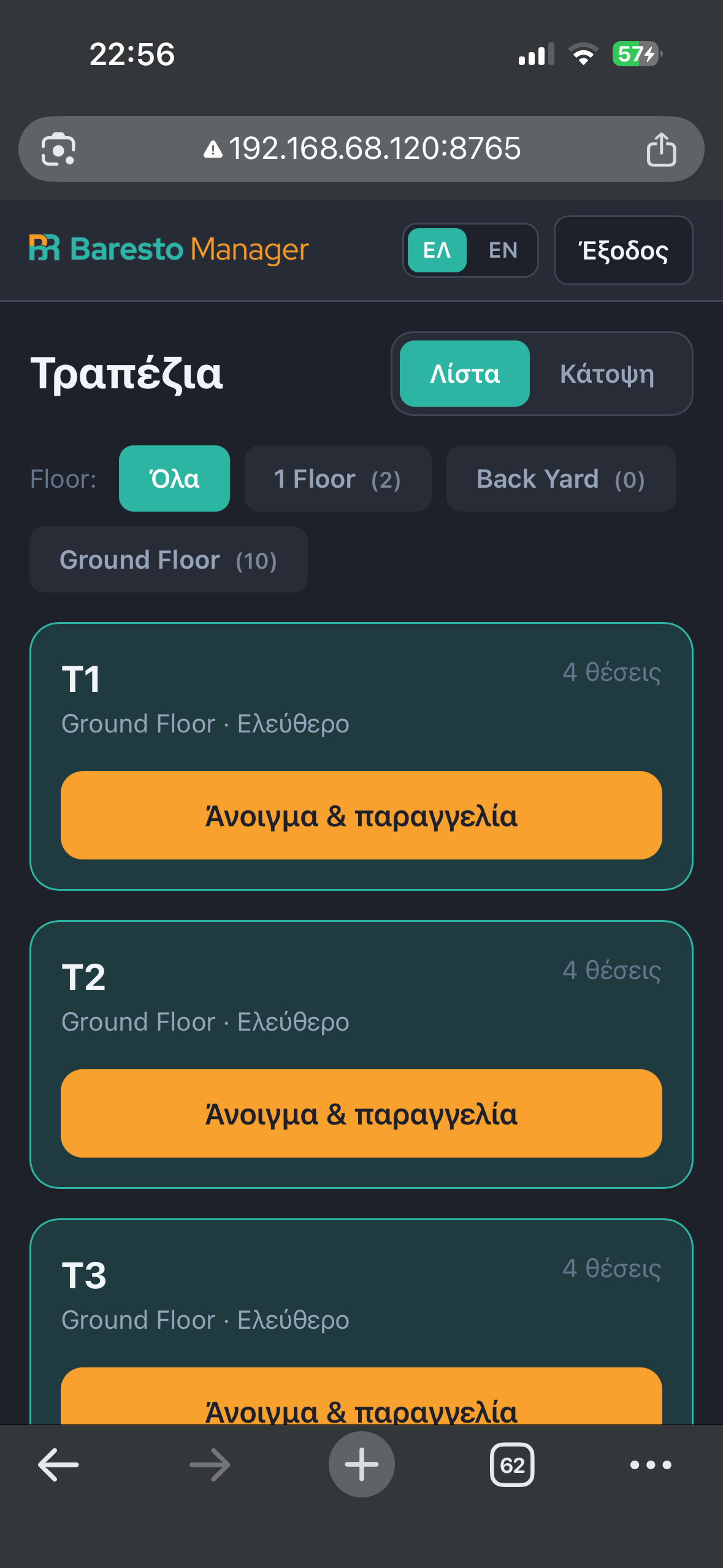
Tables, floor plan, mobile ordering, send-to-kitchen, delivered items, and table closing with payment.
Lightweight operating system — digital QR menus, waiter ordering, kitchen display (KDS), reports, and real-time updates. Bilingual in Greek / English.
Free software — Baresto Manager is open source (MIT). You do not pay a license fee to run QR menus, KDS, ordering, and reports.
Demo users are ready — live deployment on a Hetzner server. Sign in with password or PIN and explore every role.
Open the demo in your browser — ideal before installing at your own venue.
Open demo →Shared demo environment — do not enter real customer data. Data may be reset periodically.
| Role | Username | Password | PIN |
|---|---|---|---|
| Admin | admin | admin1234 | 0000 |
| Manager | manager | manager1234 | 1111 |
| Waiter | waiter | waiter1234 | 2222 |
| Waiter 2 | waiter2 | waiter2234 | 2233 |
| Kitchen | kitchen | kitchen1234 | 3333 |
| Cashier | cashier | cashier1234 | 4444 |
From table ordering to kitchen operations and guest QR menu — all in one free, open-source system.
Tables, floor plan, mobile ordering, send-to-kitchen, delivered items, and table closing with payment.
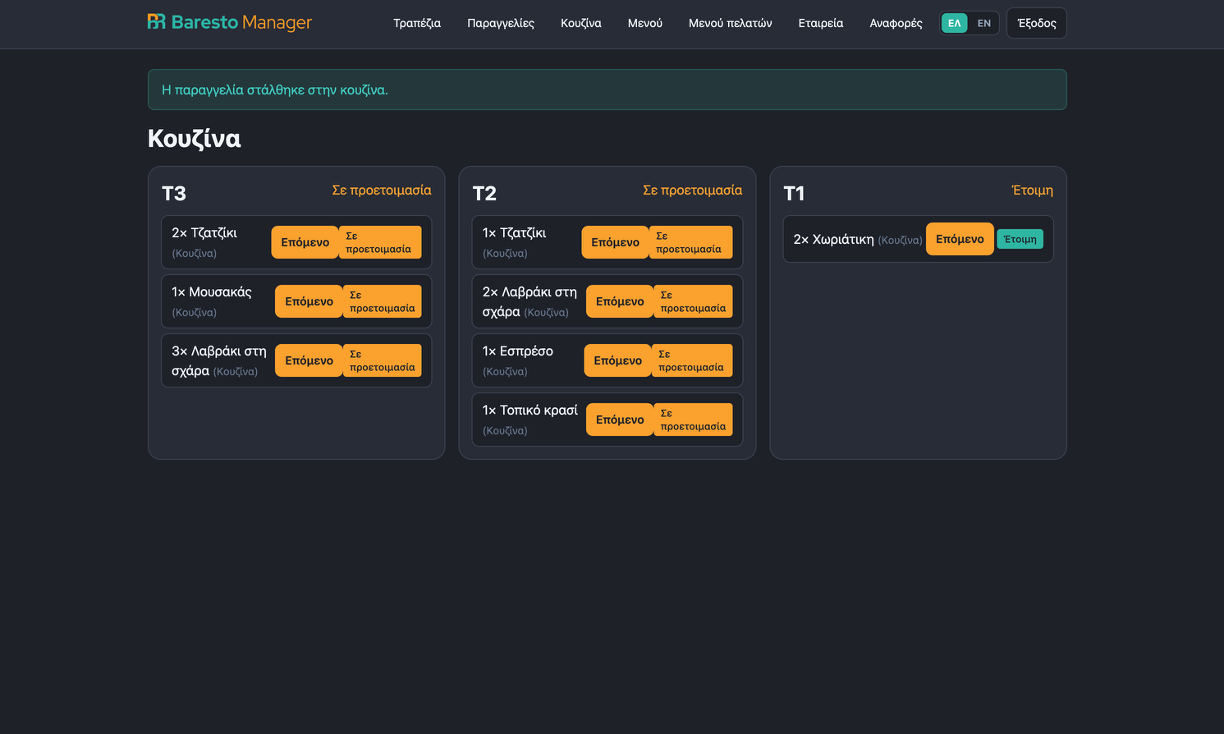
Tickets by table, dish status flow, station filters (kitchen / bar / grill), and real-time alerts.
Bilingual public menu, allergens, availability, and a “Call waiter” button — per-table or shared QR.
Revenue, orders, top items, and CSV export for managers.
Fast 4-digit PIN login on shared tablets, with admin / manager / waiter / kitchen / cashier roles.
WebSocket alerts for ready items, waiter calls, and table closing across all devices.
Desktop, waiter mobile experience, and customer view after scanning QR.
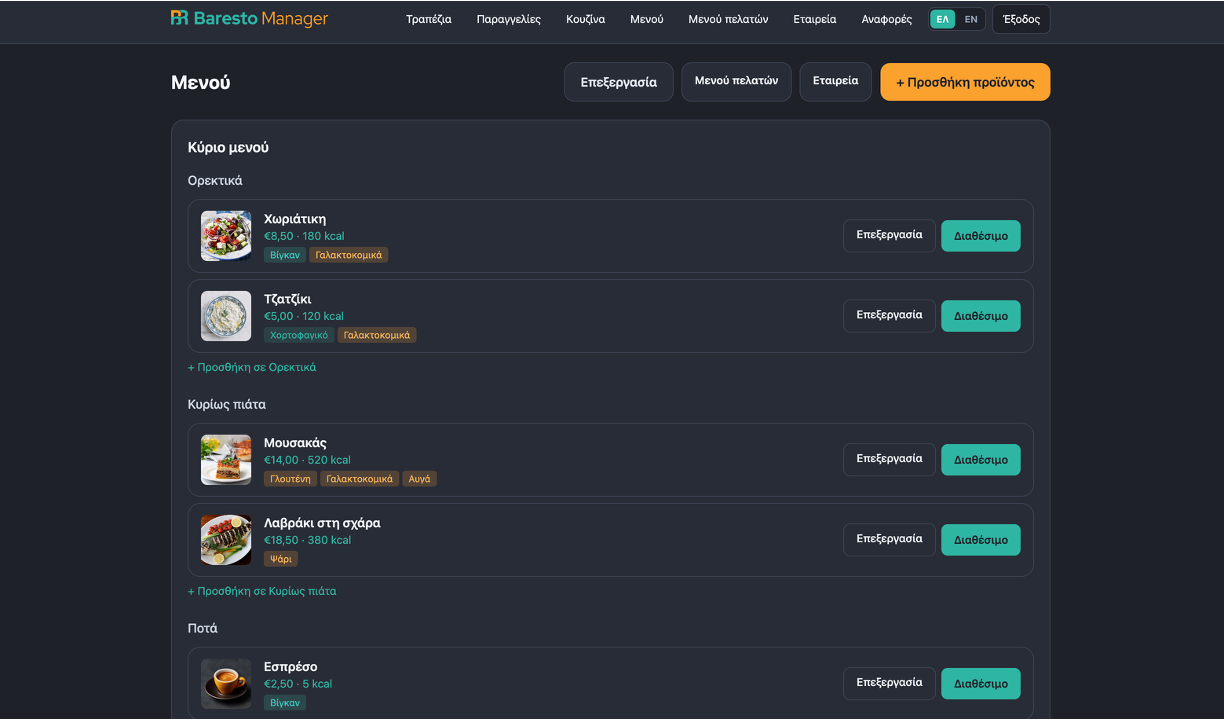
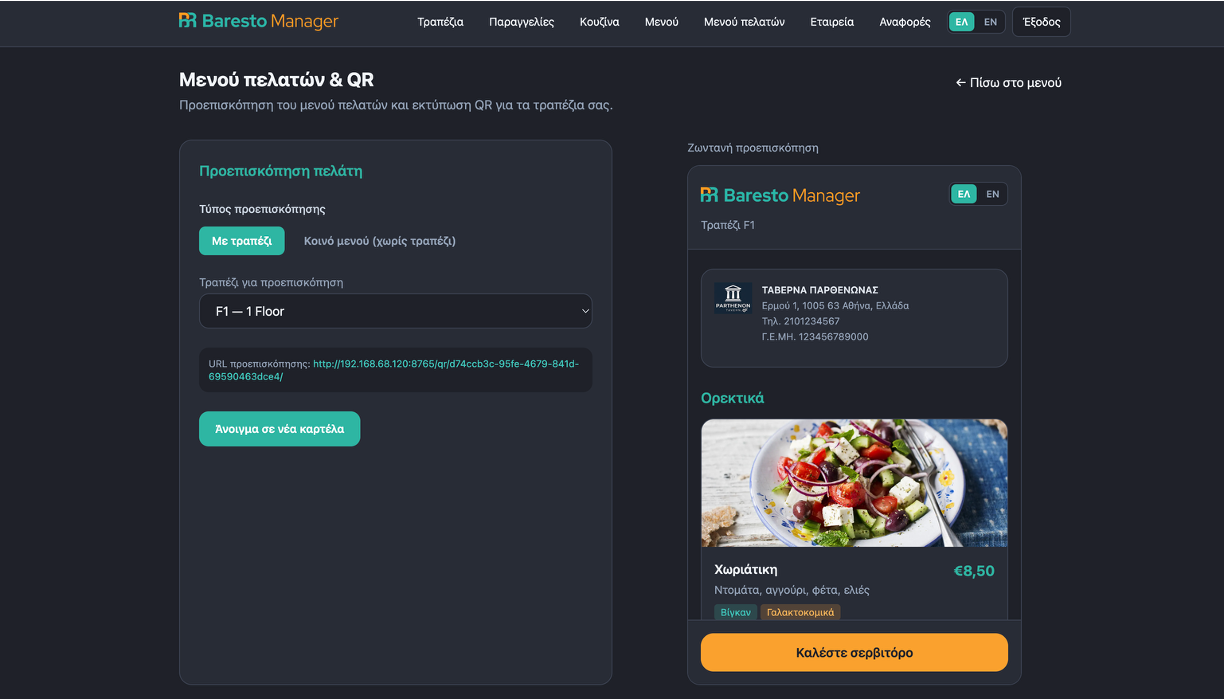
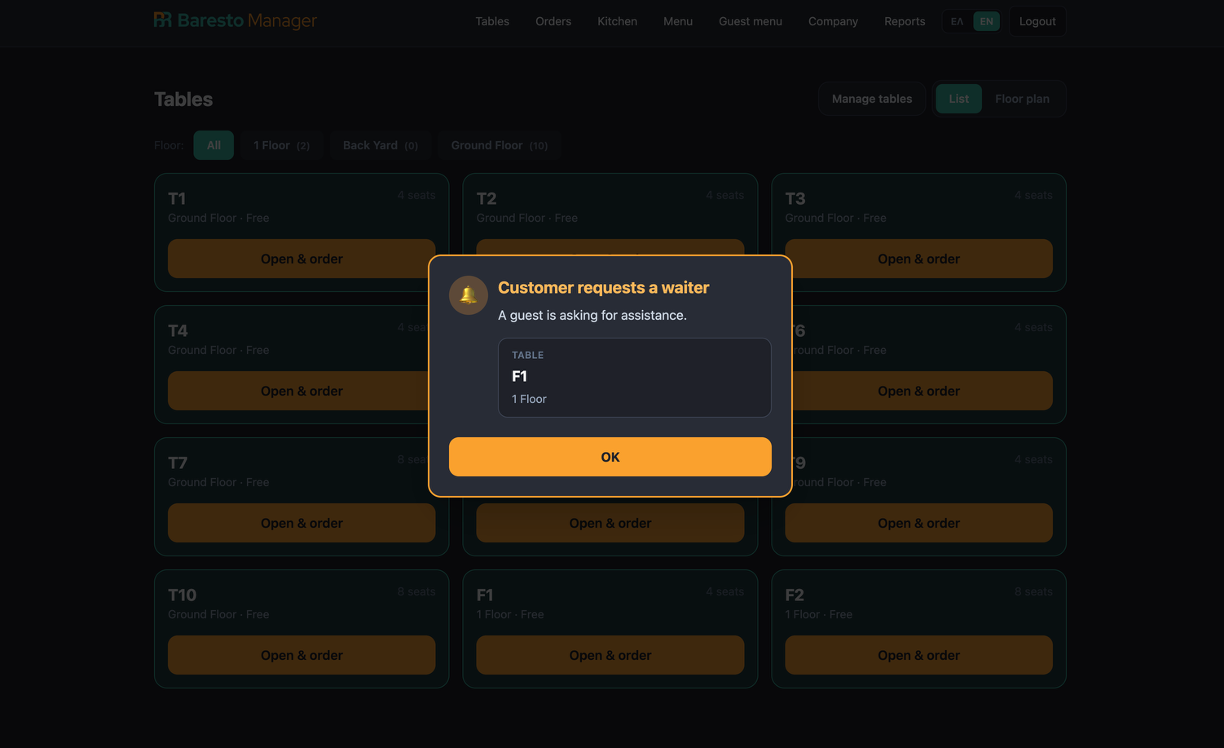
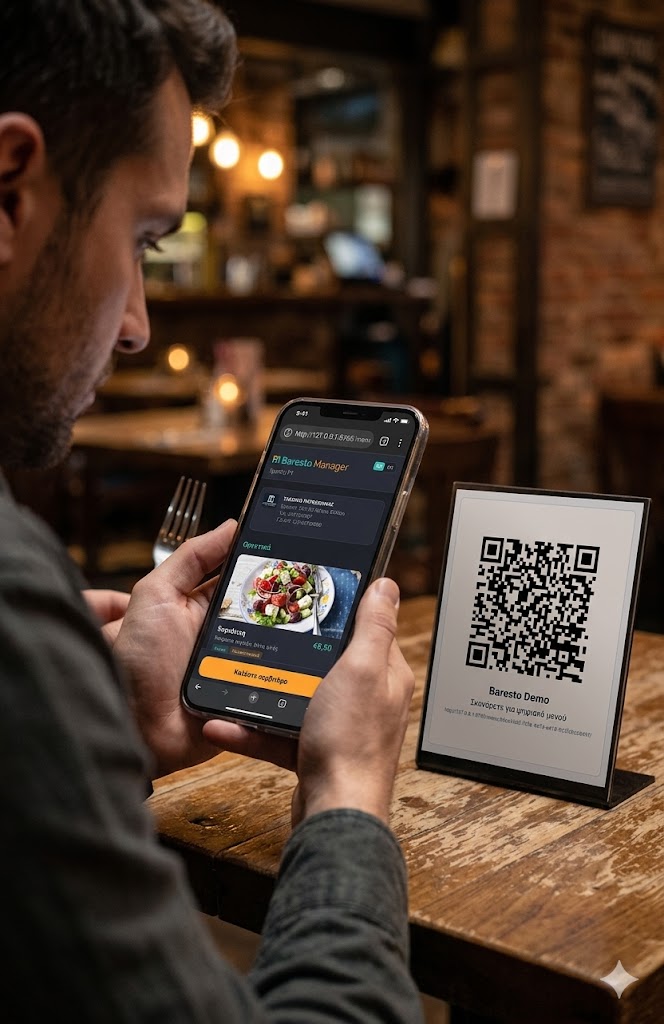
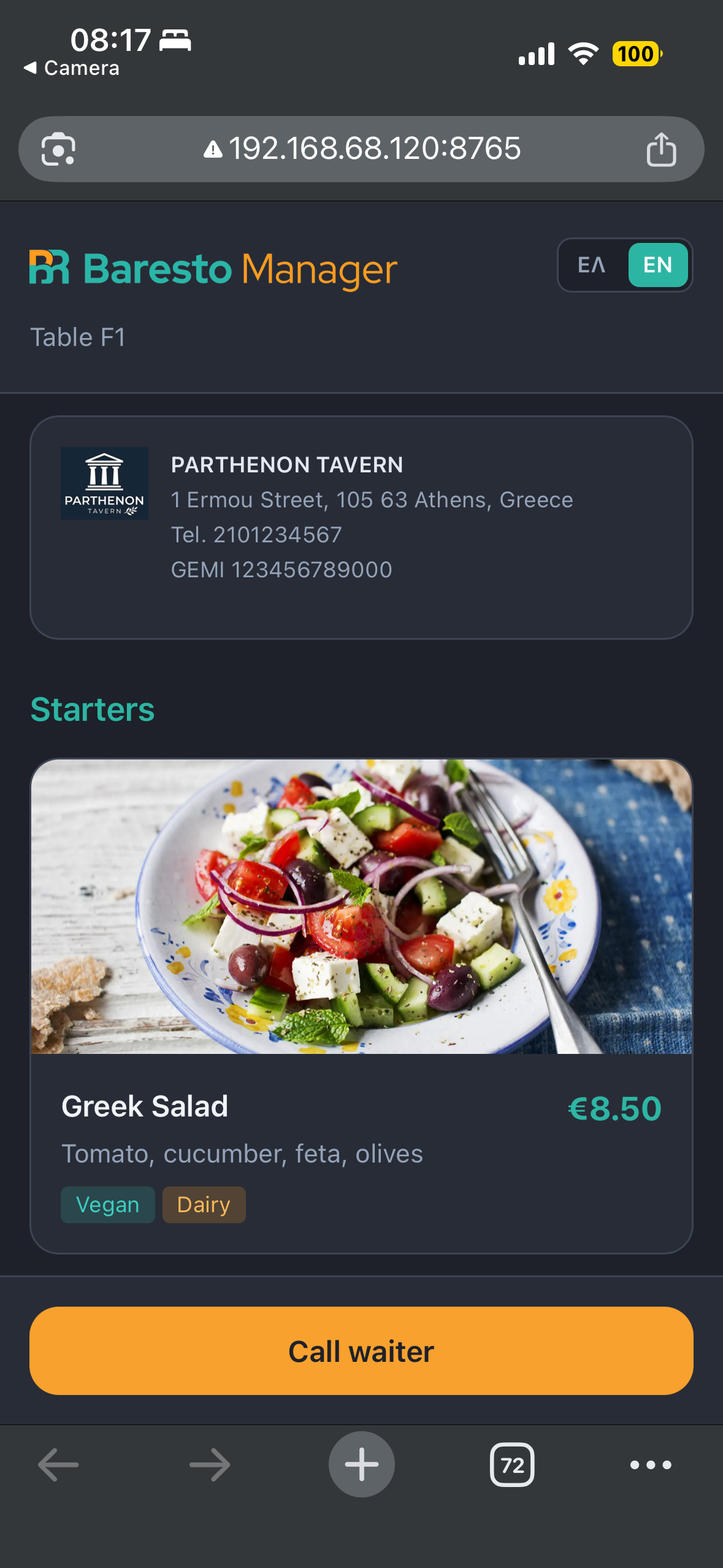
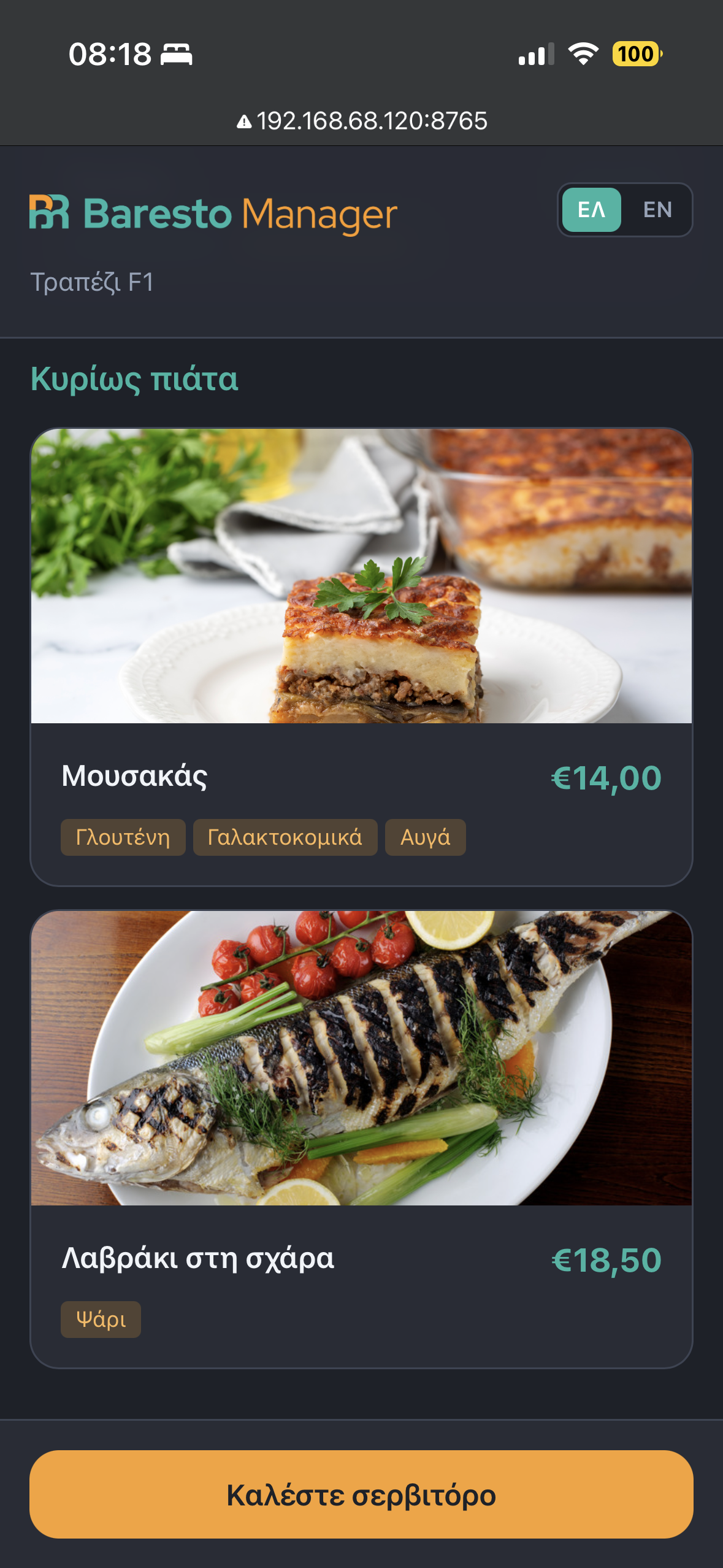
Guest sees a bilingual menu, allergens, and can call waiter — no app install needed.
From tablet or phone on Wi‑Fi: open table, add dishes, kitchen notes, and send to KDS.
Kitchen updates item status; cashier closes with cash or card and prints receipt.
Free & open source (MIT) — download once, run locally at your venue (port 8765). No SaaS subscription.
Download ZIP from GitHub, extract it, and double-click Start-BarestoManager.bat.
.env (5–15 min)Python 3.11+, virtualenv, pip install -r requirements.txt, python manage.py migrate.
python manage.py runserver 0.0.0.0:8765Yes — 100% free and open source (MIT). No monthly subscription. Optional paid installation support via the contact form.
A lightweight restaurant OS with QR menus, waiter ordering, KDS, cashier, and reports — real-time across devices.
Windows (Start-BarestoManager.bat), macOS, and Linux. Local server on port 8765.
No for daily service — runs on your venue LAN/Wi‑Fi. Internet for download and updates only.
Yes — try it online at 128.140.77.64:8765. Demo users for every role — see the Live demo section for passwords and PINs.
Yes — bilingual staff guide for waiters, kitchen, and managers.
Choose your request type and submit the form — we will get back to you shortly.

Ask for details about pricing, features, and licensing — or request installation support for Windows setup, networking, and first-time configuration in your venue.